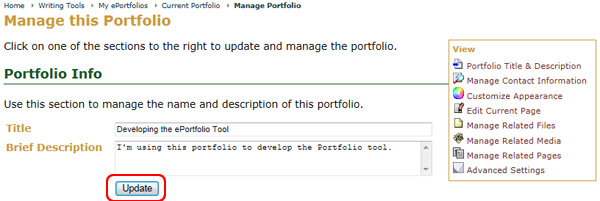
Update Your ePortfolio
To Update Your ePortfolio:
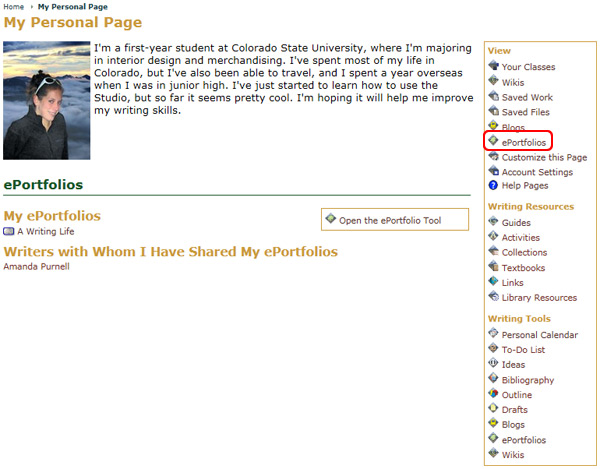
- Go to the My Page tab
- Locate the Writing Tools area
- Select the ePortfolio icon
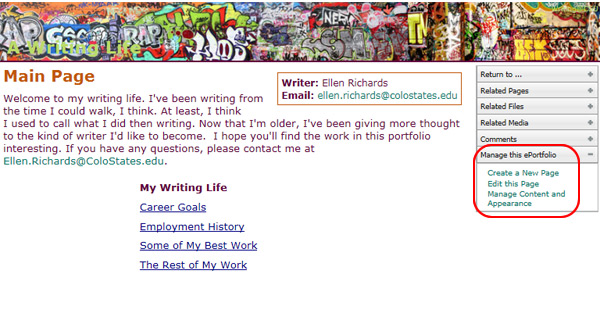
- Choose the ePortfolio you wish to update from the available list
- Select Manage the Portfolio from the Options menu
- Select the Portfolio Info tab
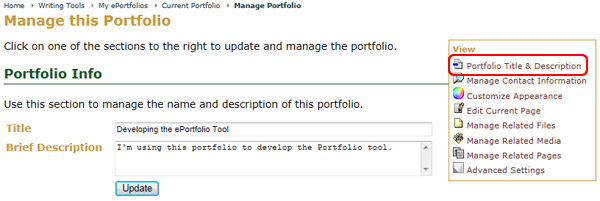
- Change the ePortfolio title and/or description
- Click the Update button at the bottom of the page when you are finished